The /query command assists in generating queries from a natural language against a connected MongoDB cluster. The MongoDB Extension for Github Copilot provides underlying schema information of the relevant collections to GitHub Copilot to generate a response. If you do not specify a collection in your prompt, the chat prompts you to select a relevant collection./query命令有助于从自然语言生成针对连接的MongoDB集群的查询。Github Copilot的MongoDB扩展向Github Copilot提供相关集合的底层模式信息以生成响应。如果您没有在提示中指定集合集,聊天会提示您选择一个相关的集合集。
When the LLM generates a query, you can open the query in a playground file or run the query directly in your collection.当LLM生成查询时,您可以在操场文件中打开查询,也可以直接在集合中运行查询。
Sample Documents样本文件
You can configure the MongoDB Extension for Github Copilot to include sample field values from your collection with the 您可以使用/query command. /query命令配置Github Copilot的MongoDB扩展,以包含集合中的示例字段值。When MongoDB includes sample documents with the 当MongoDB使用/query command, the AI model receives actual data examples, which helps it generate more accurate queries./query命令包含示例文档时,AI模型会接收实际的数据示例,这有助于它生成更准确的查询。
Sample documents are disabled by default. Use the following steps to enable including sample field values:默认情况下,示例文档处于禁用状态。使用以下步骤启用包括示例字段值:
Steps步骤
Navigate to the Visual Studio Code Settings导航到Visual Studio Code设置
When enabled, sample documents are automatically passed to the model with the following behavior:启用后,示例文档将自动传递给模型,并具有以下行为:
Up to 3 sample documents are included to provide context.最多包含3个示例文档以提供上下文。If including 3 sample documents exceeds the maximum context size for the AI model, the MongoDB Extension for Github Copilot includes only 1 document.如果包含3个示例文档超过了AI模型的最大上下文大小,则Github Copilot的MongoDB扩展仅包含1个文档。MongoDB limits array fields in sample documents to the first 3 items.MongoDB将示例文档中的数组字段限制为前3项。MongoDB truncates string fields to the first 20 characters to reduce context size while preserving data structure information.MongoDB将字符串字段截断为前20个字符,以减少上下文大小,同时保留数据结构信息。
Examples示例
Generate a Query生成查询
Consider the 考虑Mflix样本数据库中的users collection in the Mflix Sample Database. Each document in the collection has the following structure:users集合。集合中的每个文档都具有以下结构:
{
   _id: {
      "$oid": "59b99db4cfa9a34dcd7885b6"
   },
   name: "Kayden Washington",
   email: "KW@email.com",
   password: "11222021"
}
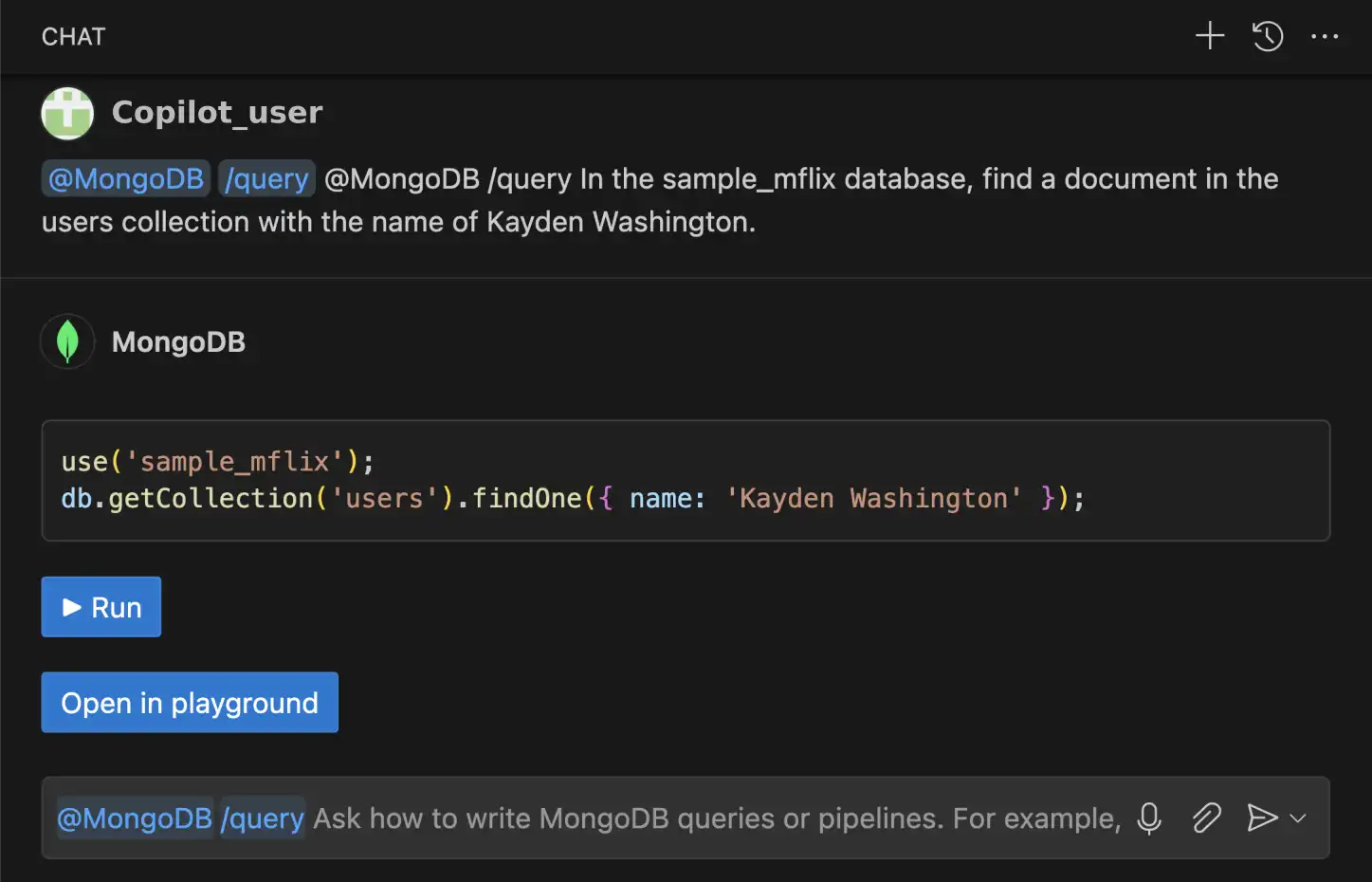
Once you connect to the deployment that contains the 连接到包含users collection, you can ask the GitHub Copilot chat to generate a query that finds the document in the users collection that has the name value of Kayden Washington.users集合的部署后,您可以要求GitHub Copilot聊天生成一个查询,在users集合中查找名称值为Kayden Washington的文档。
@MongoDB /query In the sample_mflix database, find a document in the
users collection with the name of Kayden Washington.
The GitHub Copilot Chat uses the MongoDB Extension for Github Copilot to generate the following query using knowledge of your database schema:GitHub Copilot Chat使用GitHub Copilot的MongoDB扩展,使用数据库模式知识生成以下查询:
use(`sample_mflix`);
db.getCollection('users').findOne({ name: 'Kayden Washington' });
Once the MongoDB Extension for Github Copilot generates the query, you can choose to run the query directly or open the query in a playground.Github Copilot的MongoDB扩展生成查询后,您可以选择直接运行查询或在游乐场中打开查询。
Build an Aggregation Pipeline构建聚合管道
You can also use the MongoDB Extension for Github Copilot to build aggregation pipelines. 您还可以使用Github Copilot的MongoDB扩展来构建聚合管道。Consider the 考虑Mflix样本数据库中的users collection in the Mflix Sample Database. Each document in the collection has the following structure:users集合。集合中的每个文档都具有以下结构:
{
   _id: {
      "$oid": "59b99db4cfa9a34dcd7885b6"
   },
   name: "Kayden Washington",
   email: "KW@email.com",
   password: "11222021"
}
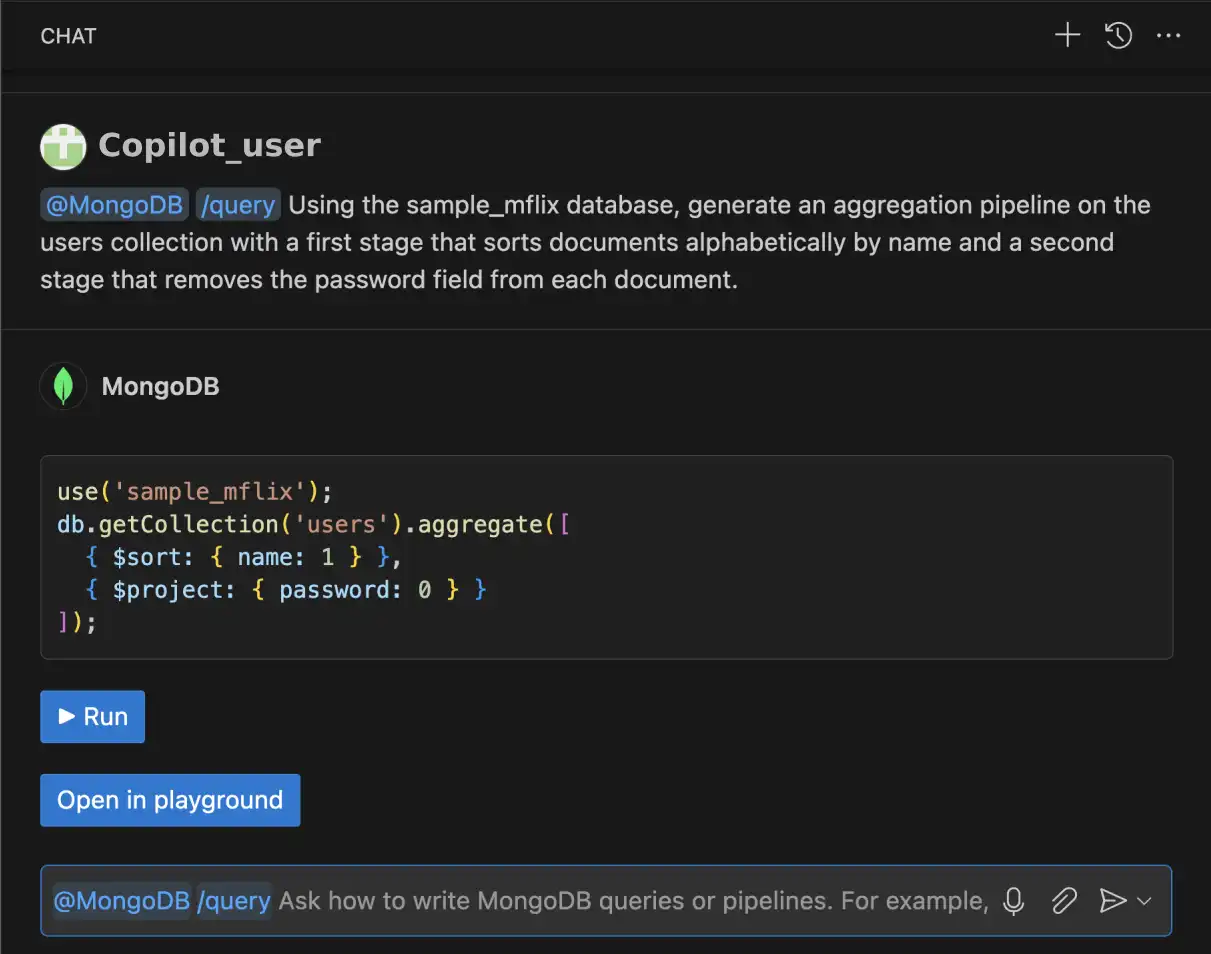
Once you connect to the deployment that contains the 连接到包含users collection, you can ask the GitHub Copilot chat to generate an aggregation pipeline.users集合的部署后,您可以要求GitHub Copilot聊天生成聚合管道。
@MongoDB /query Generate an aggregation pipeline on the users
collection that first sorts documents alphabetically by name and then
removes the password field from each document.
The MongoDB Extension for Github Copilot generates the following aggregation pipeline:Github Copilot的MongoDB扩展生成以下聚合管道:
use('sample_mflix');
db.getCollection('users').aggregate([
   { $sort: { name: 1 } },
   { $project: { password: 0 } }
]);
Once the MongoDB Extension for Github Copilot generates the query, you can choose to run the pipeline directly or open the pipeline in a playground.Github Copilot的MongoDB扩展生成查询后,您可以选择直接运行管道或在游乐场中打开管道。
You can also iteratively build on your aggregation pipeline:您还可以迭代地构建聚合管道:
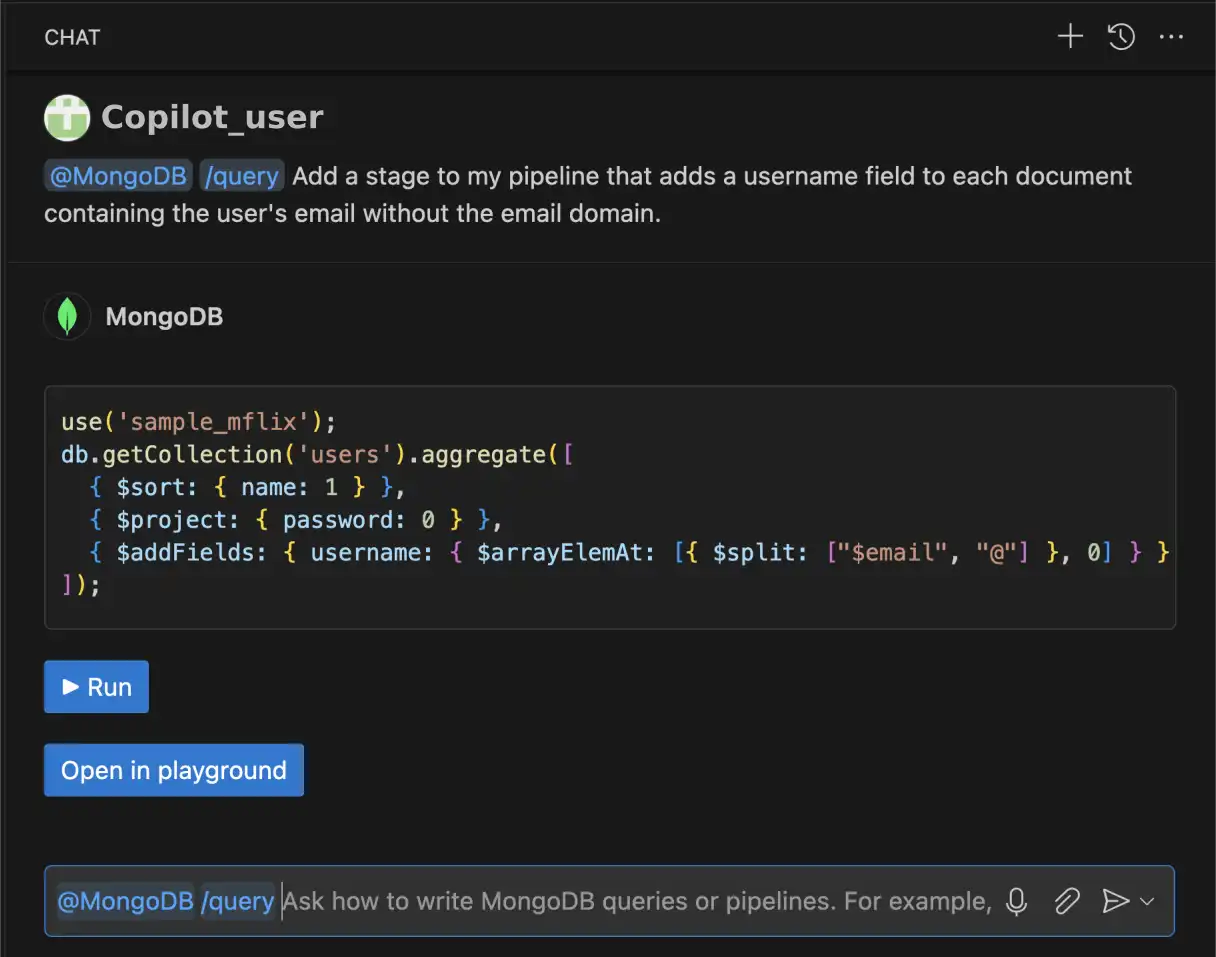
@MongoDB /query Add a stage to my pipeline that adds a username field
to each document containing the user's email without the
email domain.
The MongoDB Extension for Github Copilot returns the following aggregation pipeline:Github Copilot的MongoDB扩展返回以下聚合管道:
use('sample_mflix');
db.getCollection('users').aggregate([
   { $sort: { name: 1 } },
   { $project: { password: 0 } },
   { $addFields: { username: { $arrayElemAt: [{ $split: ["$email", "@"] }, 0] } } }
]);