Docs Home / Compass / Create an Aggregation Pipeline

Save a Pipeline

You can save your aggregation pipelines to find and use them again later. If you load a saved pipeline, you can make edits to the pipeline stages without changing the original saved pipeline. You can also create a view from your pipeline results.

Steps

1

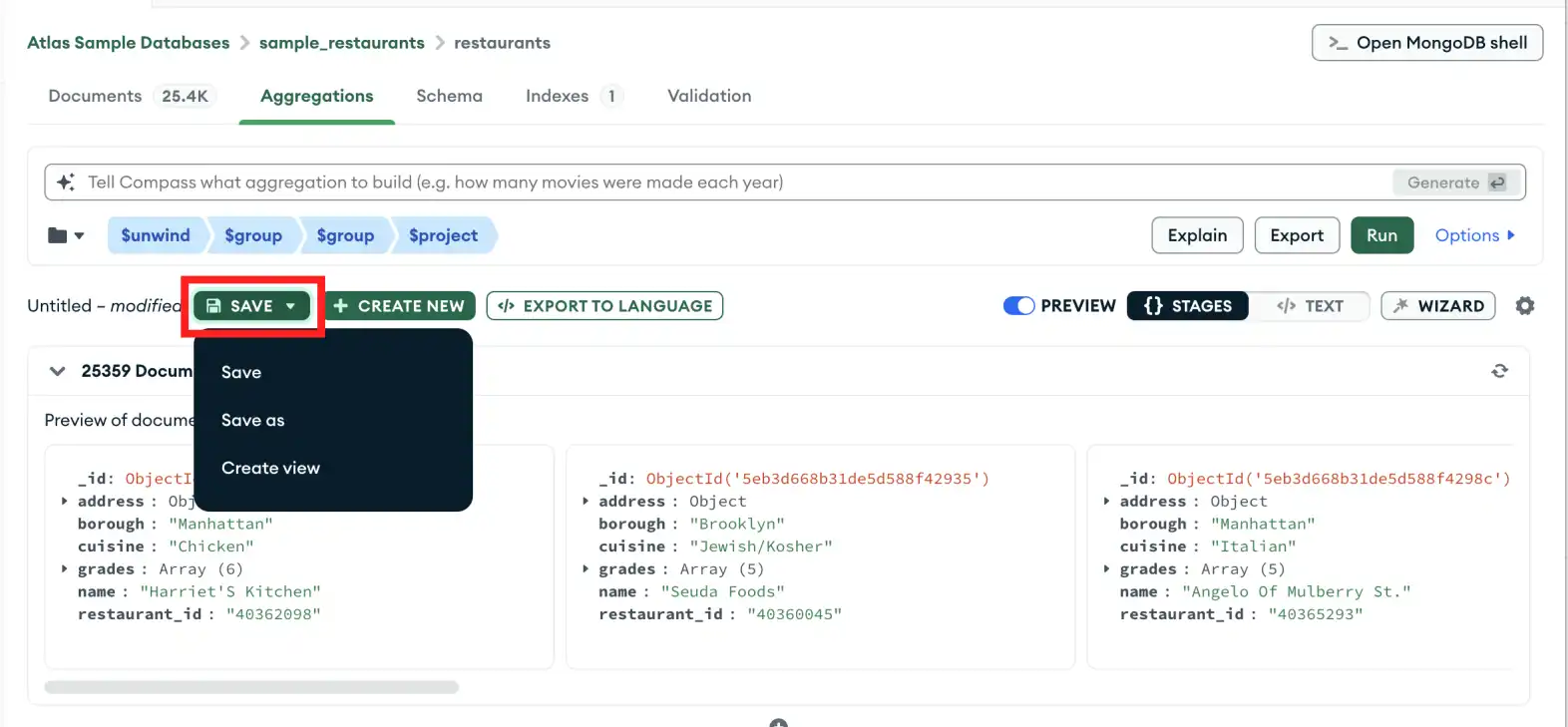
Click the save dropdown button

In the Aggregations pane, click the Save drop-down menu and select Save as.

undefinedSave pipeline as
2

Enter a name for your pipeline

3

Save the pipeline

Click the Save button to save your pipeline. Your pipeline will be saved under the folder icon at the top left of the pipeline builder.

Learn More